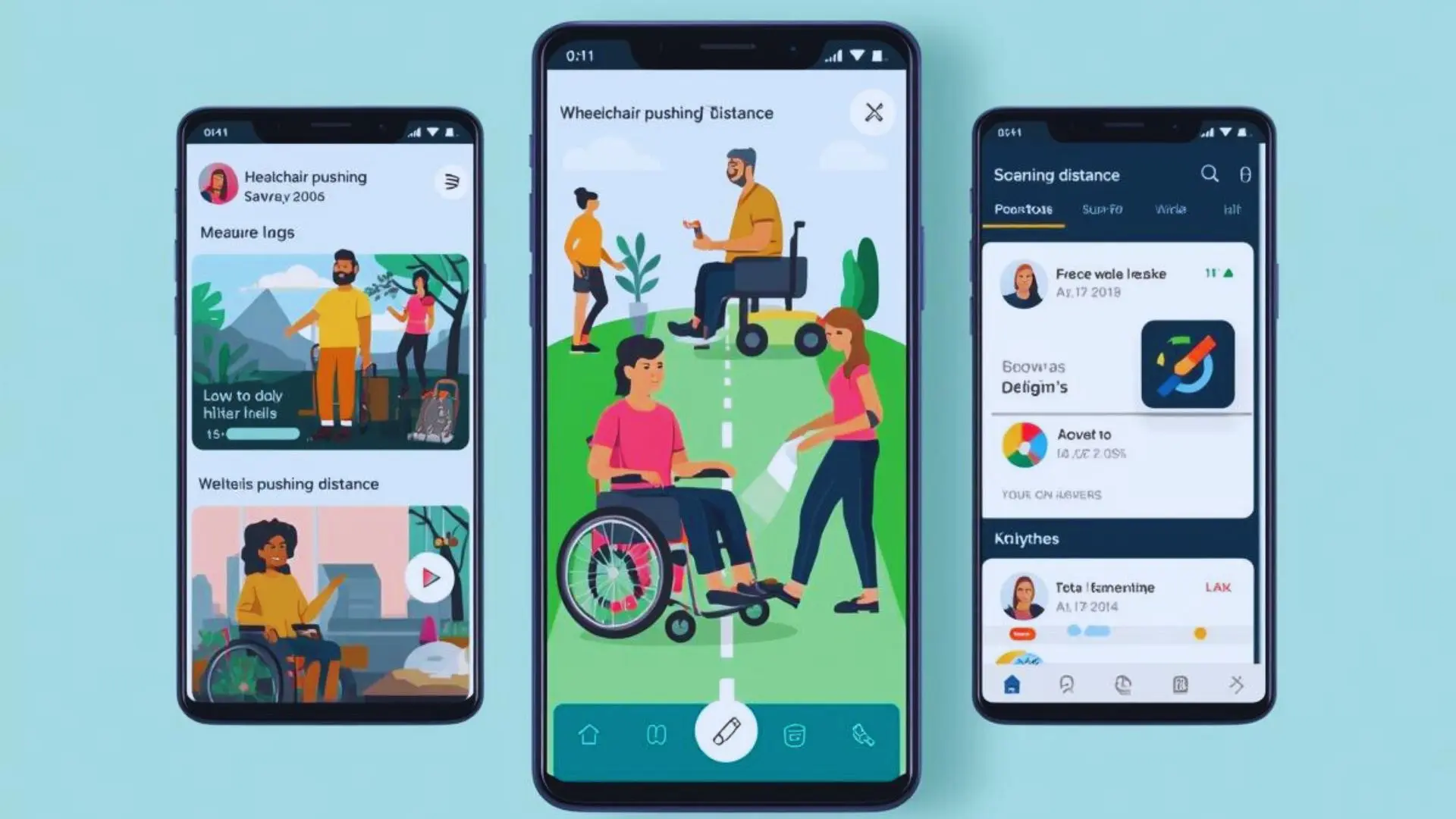
Android Apps to Measure Wheelchair Pushing Distance & Speed
You push your wheelchair every day. But do you know how far you travel? Tracking your distance helps in many ways. You can see your progress. You can share data with your doctor and can set better goals. Your Android phone can do this job. Many apps track wheelchair movement. Some work better than others. This guide shows you the best options.
Why Measure Wheelchair Pushing Distance?
Distance tracking gives you real numbers. Your physical therapist needs this data. They can see if therapy works. They can change your treatment plan. Doctors track your recovery. Numbers show improvement. Numbers show problems too. Athletes train better with data. You can see your speed. You can measure your endurance. Most people guess their daily distance wrong. Tracking shows the truth. You might push more than you think. Or less than you need. Goals become easier with numbers. You can set a weekly target. You can beat last month’s total. Energy management improves too. You know how far you went. You can plan your next trip better.
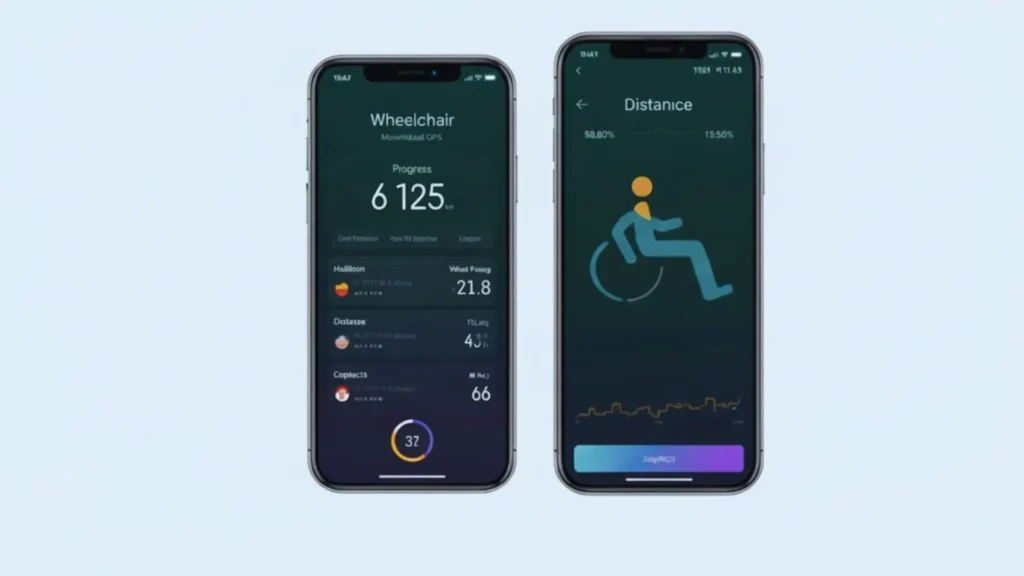
How Distance Tracking Works on Android
Your phone has built-in sensors.
GPS Technology:
Satellites track your position. The app calculates distance from position changes. This works great outdoors. GPS needs a clear sky view. Buildings can block signals. Trees can interfere too.
Accelerometer Sensors:
These detect movement inside your phone. They feel when you push forward. They ignore other movements. Good apps use both technologies. GPS works outside. Accelerometers work inside buildings. Together they track your full day.
Best Android Apps for Wheelchair Distance Tracking
Wheelog!
This app was made for wheelchair users only. It tracks your outdoor distance. It shows the hills you climb and records your speed. Maps display your exact route. You can save favorite paths. Other users can see your routes.
The app marks accessible spots. Ramps get noted. Elevators get marked. This helps other wheelchair users. Buttons are big and easy to tap. Text stays readable while moving. Manual chairs work fine. Power chairs work fine too.
Google Fit
Most Android phones have this already installed. The app spots wheelchair movement automatically. It combines GPS with motion sensors. Distance tracking starts on its own. You can connect heart rate monitors. Daily totals appear each evening. Weekly charts show patterns. Other health apps connect easily. Food trackers link up. Sleep trackers join in. Setup takes two minutes. Turn on activity tracking. Pick a wheelchair from the list. Start pushing.
Strava
Athletes love this app. GPS gives exact measurements. Speed gets recorded. Hills get measured. Your route shows on a map. Segments let you race yourself. The same street each day shows improvement. Leaderboards show top performers. Friends can follow your activities. Challenges keep you motivated. Routes can be shared. Pick the handcycle option for tracking. Many wheelchair racers use this. The community includes adaptive athletes worldwide. Premium features cost money. Basic tracking stays free. Advanced charts need a subscription.
MapMyRide
This app packs many features together. Numbers update while you push. Voice coaching speaks through your phone. Routes get saved automatically. Food tracking connects through MyFitnessPal. Custom settings match wheelchair pushing. Stats cover every detail you want. The screen stays simple. Sharing works smoothly. Your history goes back months.
Runkeeper
The name mentions running. Wheelchair users love it anyway. GPS tracks precisely. Speed shows in real time. Every route gets stored. Audio updates play during your push. Training plans guide your progress. Fitness devices connect easily. Make wheelchair pushing a custom activity. The interface looks clean. Data exports to other apps.
Fitness22 Pushtracker
Wheelchair users inspired this app. It counts individual pushes. Not just distance, but actual push strokes. This protects your shoulders. Indoor tracking works perfectly. Outdoor tracking works perfectly. Battery life stays strong. Charts show your data clearly. Privacy settings keep data on your phone. Reports can go to your doctor. Technique analysis prevents injuries. Efficiency tracking helps you improve. Push patterns reveal problems early.
Choosing Your Tracking App
Think about what matters most to you.
Medical Requirements:
Some people need perfect accuracy. Rehab patients need solid numbers. Pick apps that use both GPS and motion sensors.
Battery Concerns:
GPS eats battery fast. Look for power-saving options. Some apps drain less than others.
Location Matters:
Where do you push most? Indoor spaces need motion sensors. Outdoor areas work best with GPS.
Budget Considerations:
Free apps do basic tracking. Paid versions add features. Decide if extras are worth the cost.
Getting Accurate Measurements
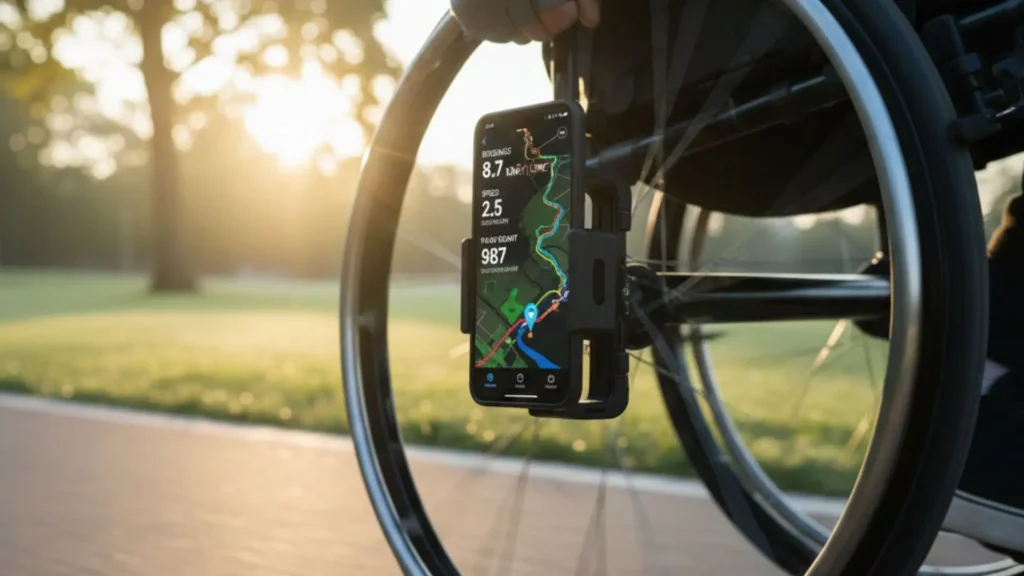
Good setup makes tracking work right. Go to Android settings. Find location services. Pick high accuracy mode. This combines GPS, WiFi, and cell towers. Tell the app your wheel size. Measure your wheel diameter. Enter this number in settings. Keep your phone in one spot. A wheelchair bag works well. Consistent placement helps accuracy. Press start before you move. Press stop after you finish. Don’t forget to stop tracking. Update apps when prompted. New versions fix bugs. New versions improve accuracy.
Privacy and Security
The question is Android Apps to Measure Wheelchair Pushing Distance? The answer is Location tracking shows where you go. Read privacy policies first. Know who sees your data. Know who stores your information. Pick apps that work offline. Local storage keeps data private. Cloud storage shares more widely. Check app permissions. Remove camera access if not needed. Remove contact access too. Turn off public sharing if you want. Private mode hides your routes. Public mode connects you with others.
Using Tracking Data Effectively
Numbers help only when you use them. Track every day for one week. This shows your normal pattern. Use this to make smart goals. Check your weekly report. Spot trends. Notice changes. Send data to your physical therapist. They can adjust exercises. They can modify treatment. Celebrate when you hit goals. Small wins matter. Progress builds confidence.
Common Tracking Challenges
Some problems happen to everyone. Tall buildings block GPS. Thick forests interfere. Tunnels lose signal completely. Shopping malls confuse GPS. Office buildings do too. Basements stop tracking. Battery runs low on long days. Carry a portable charger. Turn on battery saver mode. Different apps show different numbers. Algorithms vary. Test a few to find your favorite.
Conclusion
Android apps to measure wheelchair pushing distance turn your phone into a fitness tracker. Pick an app that fits your needs. Set it up properly. Track consistently. The data helps you stay active, recover faster, and reach your goals.